• Diễn đàn sẽ được nâng cấp và sáp nhập thành diễn đàn Xdo.vn nên diễn đàn sẽ dừng đăng ký thành viên mới. Toàn bộ diễn đàn sẽ được giữ nguyên vẹn tại tên miền phụ pdaviet.xdo.vn, danh sách thành viên và một số bài viết quan trọng sẽ được chuyển sang diễn đàn mới. Bạn có thể tham gia góp ý cho việc thay đổi diễn đàn ở đây. Cảm ơn bạn đã tiếp tục đồng hành cùng diễn đàn.

iWhiteboard 1.7-1 - Vẽ ở bất cứ mọi nơi trên màn hình iPhone

  • Thread starter Thread starter Zenki
  • Ngày gửi Ngày gửi

Zenki

Super V.I.P
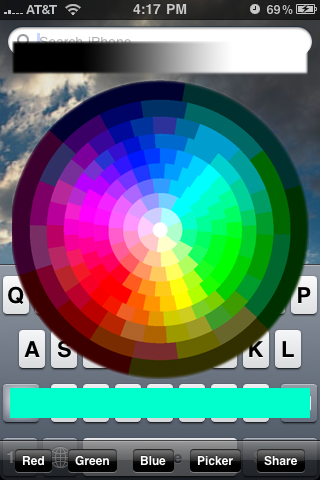
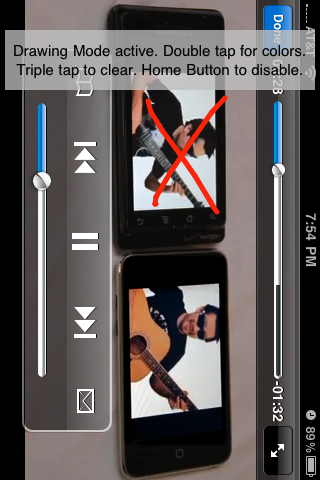
iWhiteBoard là một ứng dụng mở rộng cho phép bạn vẽ trên bất kỳ ứng dụng, thậm chí cả game 3D, YouTube, và hình ảnh camera, v...v... Chỉ cần lắc để kích hoạt nó (Phương pháp kích hoạt có thể thay đổi được với Activator). Sau khi kích hoạt, bạn có thể vẽ bất cứ nơi nào. Double tap để chọn từ 4 màu sắc và triple tap để xóa bỏ. Để vô hiệu hoá, chỉ cần nhấn nút HOME hoặc lắc một lần nữa.

cffddf45124fdf0686eaaddbd7ad90e4b03a3889.png


DOWNLOAD
[HIDE]http://www.multiupload.com/XXK9RJBXJA[/HIDE]
 
Cập nhật phiên bản 1.7-1:

iWhiteBoard is a mobile substrate extension that allows you to draw on any app, even 3D games, YouTube, and live camera images, etc. This app has limitless uses. Just shake to activate it (Activation method is changeable with Activator). Once enabled, you can draw anywhere. Double tap to pick from 4 colors and triple tap to clear. To disable, just press the home button or shake again.

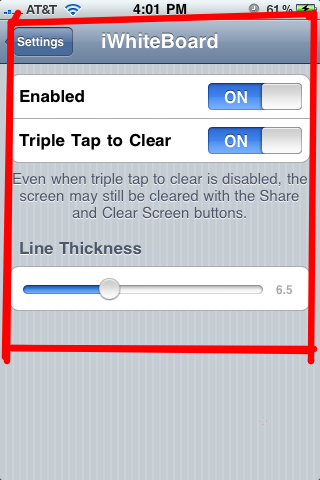
Set/change the activation method by using Activator's configuration panel in Settings app.

v 1.7-1
  • Turned on support for Retina displays (much sharper drawing!)
v 1.7
  • Added an on/off switch in settings that sets whether iWhiteBoard should show the "Drawing Mode Active" text. This way you can make videos/demonstrations without this distraction.
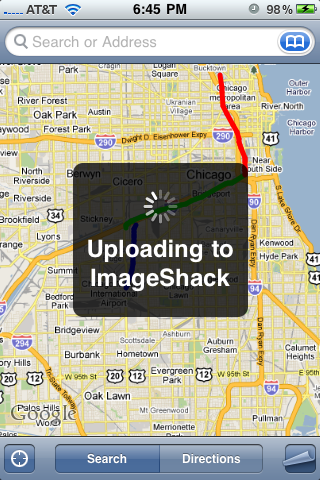
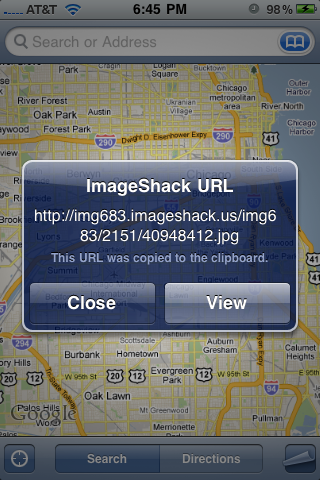
  • Removes (unwanted) instructional dialogue from screenshots/imageshack uploads initiated within the first few seconds of activation.
  • Built for iOS 5,4, and 3.

iwhiteboard1.png
iwhiteboard2.png

iwhiteboard3.png
iwhiteboard4.png

iwhiteboard5.png
iwhiteboard6.png


Download: http://apt.thebigboss.org/repofiles/cydia/debs2.0/iwhiteboard_1.7-1.deb
 
Back
Top