

Taki7610
Unlock_GSM
Máy bị treo flash lại ok
***Wipe full :
- Slide the keyboard open.
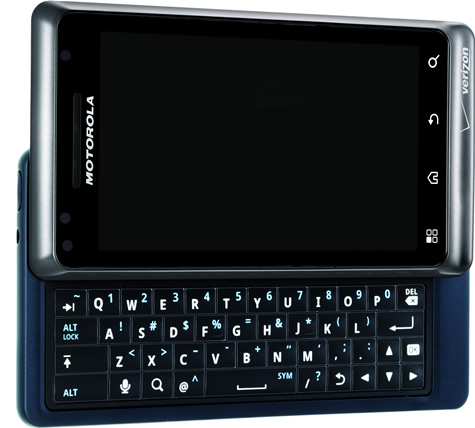
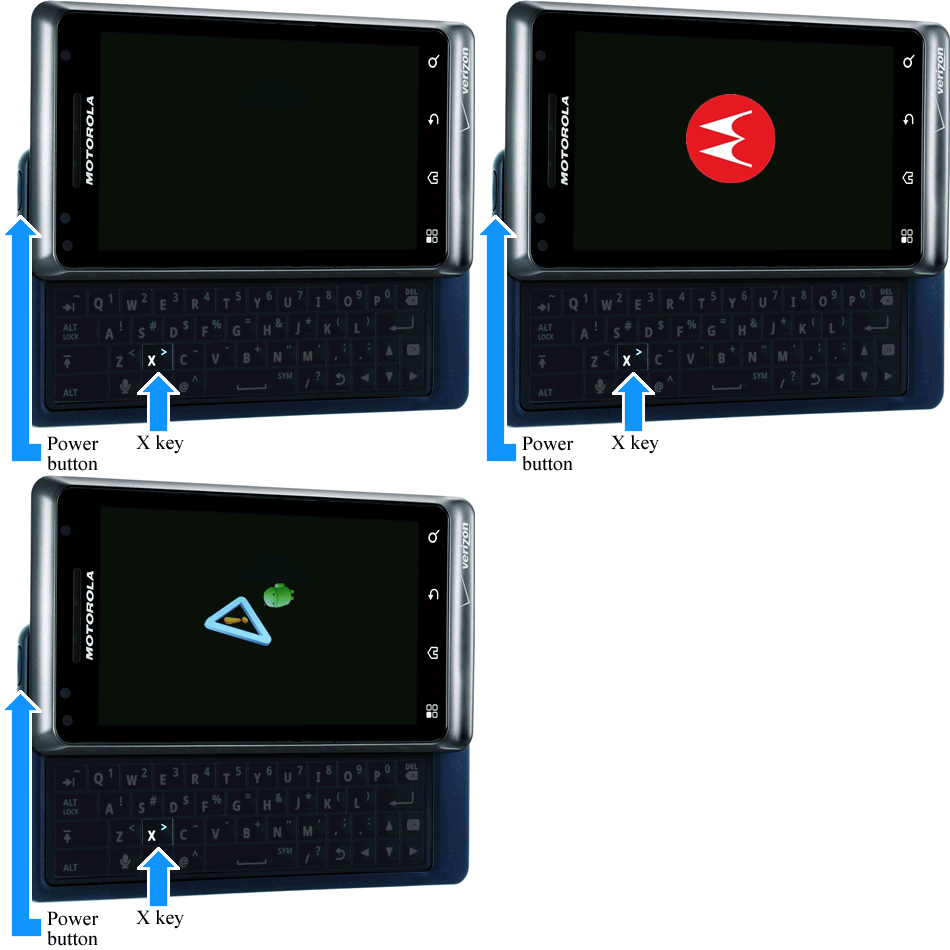
- Press and hold the Power button+X key simultaneously until the Recovery screen (exclamation point with an android figure) appears.
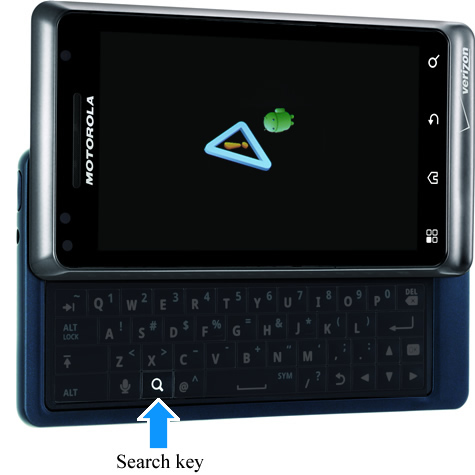
- From the Recovery screen, press the Search key.
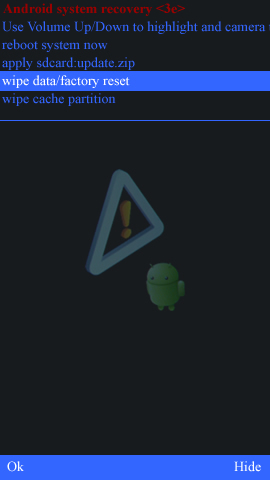
- Select wipe data/factory reset.
Utilize the Volume keys (up / down) to highlight and the Camera key to select (keys located on the right-side of the device).
If necessary, slide the keyboard to the closed position.
- Select Yes -- delete all user data.
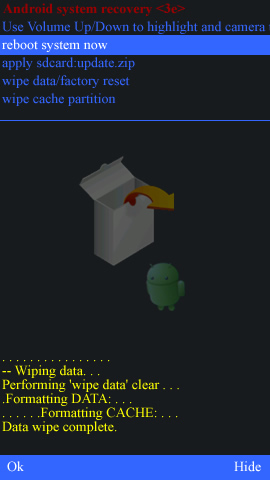
Allow the factory reset process to complete (approximately 1 minute).
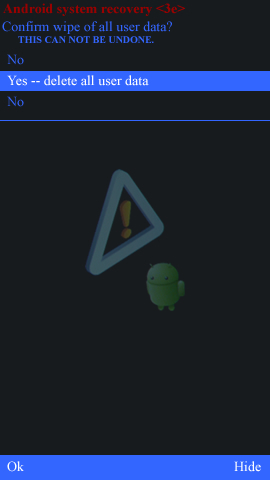
- Select reboot system now.
Allow several minutes for the reboot process to complete.
- Consulta Activación y configuración inicial.
thanks
***File Flash Stock :
- Vào Boot Mode : volume + - power
- Active phone chạm 4 góc màn hình là ok .

Sửa lần cuối: