TranMinhMan
Super V.I.P
Hi, Great job!!
Then, will be all fix included in the next core release?
Glad to hear this ... do you plan to re-upload the fixed one?
Yeah, I will upload new version asap!


Follow along with the video below to see how to install our site as a web app on your home screen.
Note: This feature may not be available in some browsers.
Hi, Great job!!
Then, will be all fix included in the next core release?
Glad to hear this ... do you plan to re-upload the fixed one?
Yeah, I will upload new version asap!
Check please if opera (any version) working now.(before reupload).Thanks
)
Ok, I will back to old ver of camera!
About the brown color, it's the default color of almost packages from Mega. So we will spend much time to change them to another color, friend!8-|
PDAVIET ROM WM 6.5 CE OS 5.2.21844 Build 21844.5.0.62
By TranMinhMan
*** Only for HTC Polaris ***
Đặc biệt cảm ơn - Special thanks to:
Man PhamQuang
Adv Mod Sonblack
SVIP Dvha79_ddt
VIP PhamNhatThanh, Medkid
forum.xda-developers.com
forum.ppcgeeks.com
Hình ảnh ROM - ROM Images:
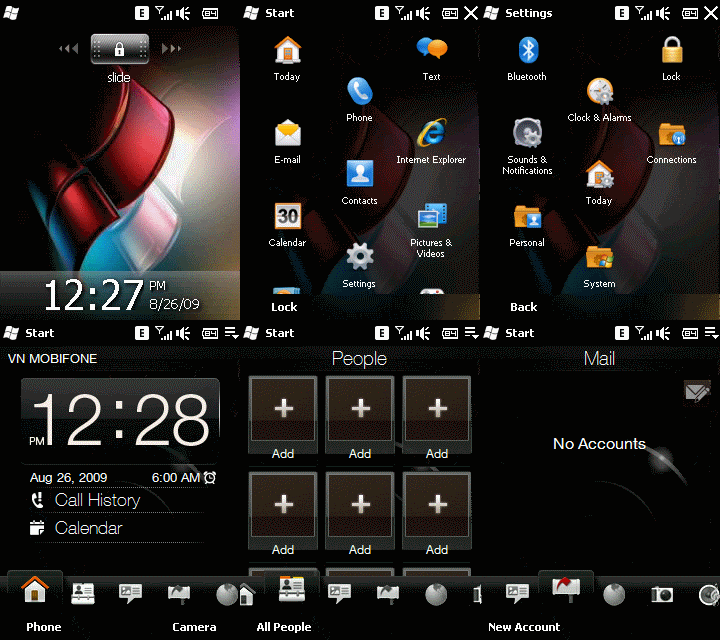
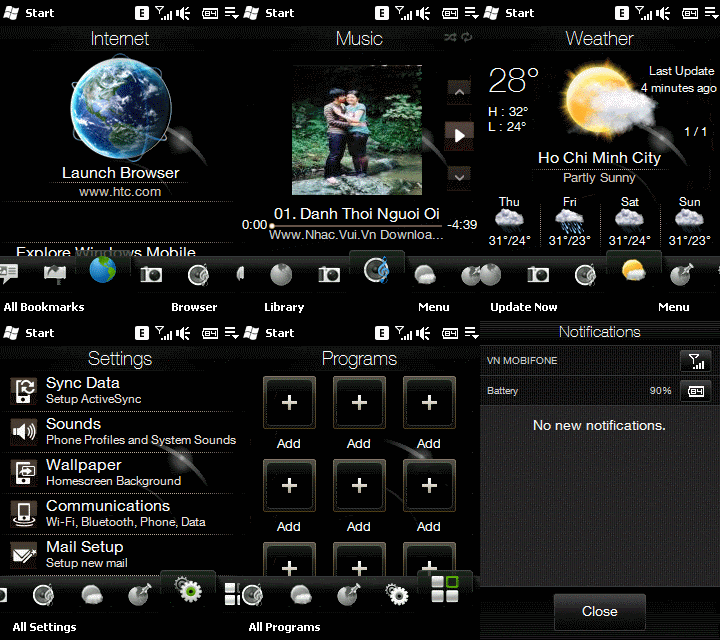
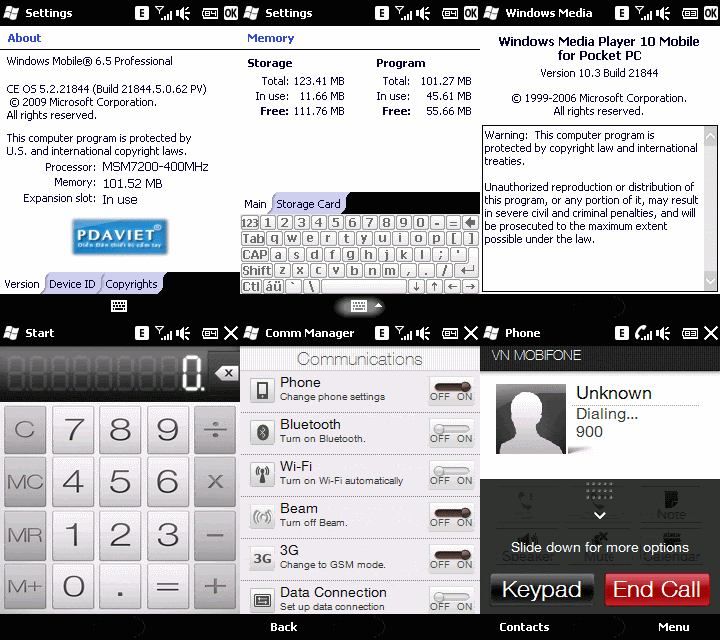
Thông tin bản ROM - ROM Informations:
- CE OS 5.2.21844 Build 21844.5.0.62 PV.
- Almost packages OEM from HTC MEGA
- .NET Compact Framework 3.7.8345.0
- Advanced Configuration Tool v3.3.0.0 by Julien Schapman
- dotFred Task Manager
- htcAddicts cleanRAM v1_6
- PIM Backup v2.8.0.0 by FdcSoft
- PocketNotepad v4.0.10
- Pocket RAR v3.80 by Alexander Roshal
- PocketScreen v1.3 by JJM. Roseboom
- Synchro Time v0.95 by Dennis Grachov
- Total Commander CE v2.51 by Christian Ghisler
- TouchResponse v0_3_2 by Snailslug
- psShutXP (mod)
- Windows Media Player 10.3 Build 21844 (mod)
- Bootscreen (mod)
- Some small games.
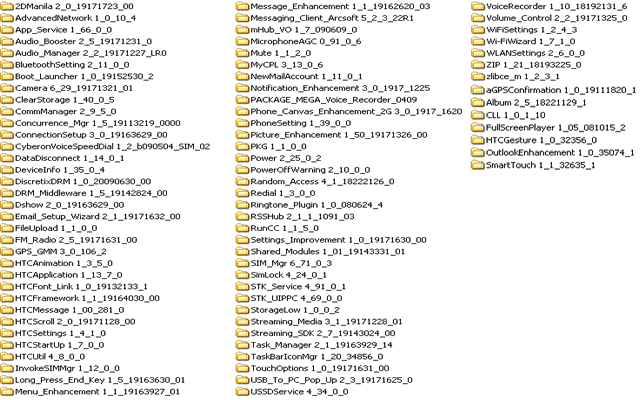
The suggestion Radio: 1.59.X.X or 1.65.X.X
Hướng dẫn up ROM - Up ROM Guides:
- Máy bạn đã được HardSPL trước khi up ROM.
- Your Polaris must be HardSPL before up ROM.
- Bản ROM chỉ có Operating System, không có Radio.
- This ROM just has Operating System only, no Radio.
- Download và giải nén với password bên dưới. Kết nối máy với PC qua USB.
- Download and extract with the password below. Connecting Polaris with PC through USB.
- Chạy file ROMUpdateUtility.exe và làm theo các bước hướng dẫn trên màn hình => máy về trạng thái BootLoader và chờ loading 100% => máy tự reset là đã có ROM mới.
- Running file ROMUpdateUtility.exe and following step by step on the windows => Polaris run BootLoader state and loading 100% => Polaris auto reset and you have new ROM.